Last updated: September 2026
Digital harmoniums now come in four distinct flavours: browser-based instruments you open like a website, mobile apps for touchscreens, sample libraries / VST plugins for recording inside a DAW, and drone apps that only hold a shruti. Each category solves a different problem, so "the best harmonium app" depends entirely on whether you want to practice, perform, record, or just hold a drone for singing. This guide compares the categories honestly — including where our own Web Harmonium fits and where it does not.
For learning and daily riyaz, a browser harmonium is the fastest path — nothing to install, works on any device, free. For studio recording, a sampled VST inside a DAW wins. For portable stage use, nothing digital fully replaces a real instrument yet.
What types of harmonium apps exist?
| Category | Runs on | Strengths | Limitations |
|---|---|---|---|
| Browser harmonium (e.g. Web Harmonium) | Any device with a browser | Zero install, free, computer-keyboard + MIDI input, always updated | Needs a browser tab; audio latency depends on device |
| Mobile harmonium apps | Android / iOS | Touch keys anywhere, offline once installed | Small screens cramp keys; free tiers often carry ads; quality varies widely |
| Sample libraries / VST plugins | DAW on desktop | Studio-grade multisampled tone, full MIDI control, mixing flexibility | Costs money, needs a DAW and audio interface knowledge |
| Shruti box / tanpura drone apps | Web / mobile | Perfect steady drone for vocal riyaz | Drone only — you cannot play melodies |
How should I choose between them?
Daily practice and learning: choose a browser harmonium. You get real key layout, transpose, octave, and reed controls with zero setup — open the tab and start your riyaz. Recording bhajans or film-style tracks: choose a sampled VST inside your DAW, where you can edit MIDI and mix. Leading live kirtan: a physical harmonium remains the standard — digital options work as backup with a MIDI keyboard and speakers. Vocal riyaz without playing: a drone app or Web Harmonium's held keys both serve.
What makes Web Harmonium different?
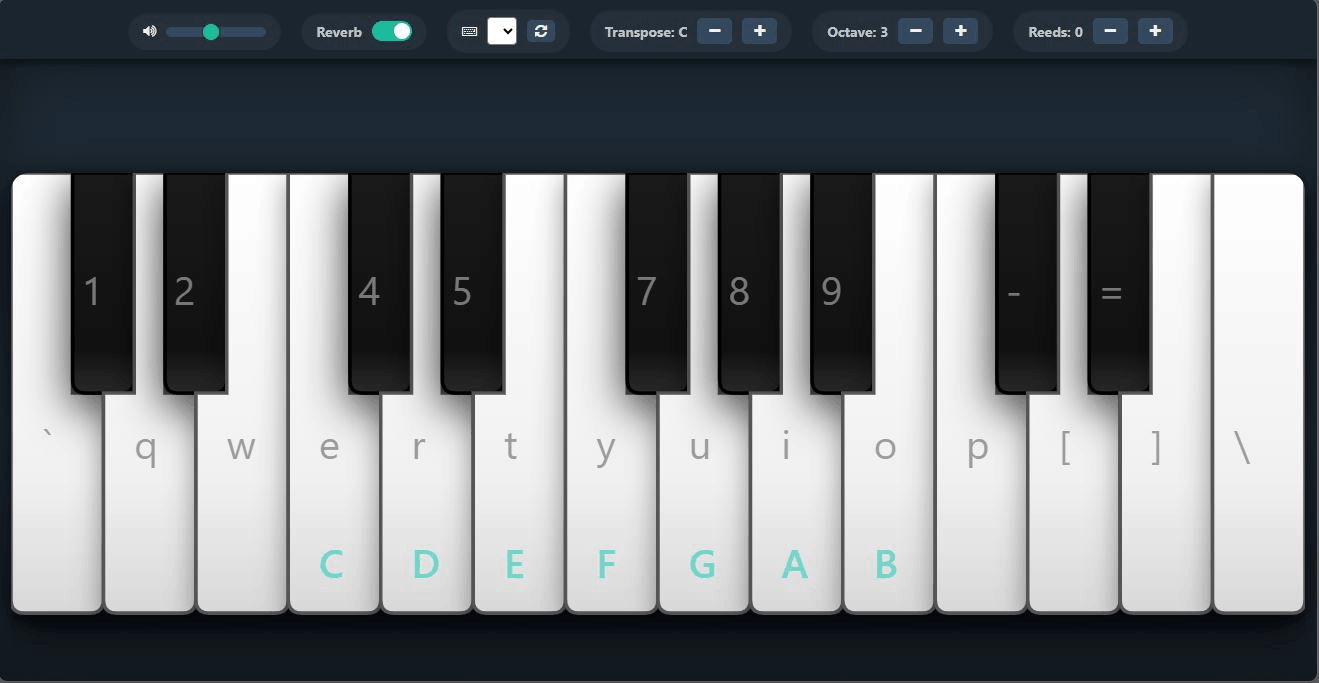
It is a free, open-source (MIT license) instrument that runs entirely in the browser: real sampled harmonium sound, playable from your computer keyboard, touchscreen (with multi-finger chords), or a MIDI keyboard. Transpose, octave shift, stacked reeds, and reverb are built in, and it installs as a PWA for offline use. The honest limitations: it will not replace a studio VST for produced recordings, and like all software instruments it depends on your device's audio latency. For learning, practice, and trying the instrument before buying a real one, it is exactly the right tool — and it costs nothing.
What should I look for in any harmonium app?
- Real sampled sound — synthesized "organ" tones teach your ear the wrong timbre.
- Transpose / scale choice — essential for matching your voice, as explained in find your Sa.
- Sustain behaviour — notes must hold while pressed, like real reeds, not fade like a piano.
- Low latency — press-to-sound delay above ~50 ms makes rhythm practice frustrating.
- MIDI input — future-proofs your practice as you add hardware.
- No paywall on basics — you should not pay monthly to press keys.
Try the browser option first: open Web Harmonium, play Sa Re Ga Ma with the keys shown on screen, and you will know within two minutes whether digital practice suits you — before spending anything on apps or plugins.
Frequently asked questions
What is the best free harmonium app?
For zero-install practice, a browser harmonium is hard to beat: Web Harmonium is free, open-source, plays real sampled sound, and works with computer keyboards, touchscreens, and MIDI devices on any modern browser.
Is there a harmonium app for PC?
Yes — browser harmoniums run on any PC without installation, and sampled VST plugins run inside DAWs for recording. Web Harmonium also installs as a PWA so it opens like a desktop app and works offline.
Can harmonium apps replace a real harmonium?
For learning layout, sargam, and daily practice — largely yes. For stage kirtan and the tactile bellows experience, a physical instrument still wins. Many players use both: app for practice, instrument for performance.
Do harmonium apps work with MIDI keyboards?
The better ones do. Web Harmonium supports Web MIDI: plug in a MIDI keyboard, allow browser access, and play the harmonium sound from real keys — the closest digital feel to the actual instrument.
What is the difference between a harmonium app and a shruti box app?
A harmonium app is playable — melodies, chords, sargam. A shruti box app only sustains a fixed drone for singing practice. If you want to play, you need the harmonium; for pure vocal support, either works.
Why does latency matter in a harmonium app?
Latency is the delay between pressing a key and hearing sound. Above roughly 50 milliseconds, timing practice suffers. Wired headphones and an updated browser reduce latency on most devices.